

LS Customs for FiveM
LS Customs is a complete, persistent vehicle customisation system for FiveM. Build, tune and test vehicles through an interactive customisation experience, with server-side persistence, synchronised runtime features, advanced performance tuning, Nitro, stance, drift systems, physical object placement, security upgrades, and dedicated Road, Air and Water Customs.
Everything you would expect from Los Santos Customs is already included, but LS Customs is designed to go much further.
Showcase
Watch the full LS Customs showcase:
Key Features
Interactive Vehicle Customisation
- Interactive vehicle-part customisation points
- Dynamic interaction points based on the modifications available for each vehicle
- Focused vehicle camera system with built-in control helper
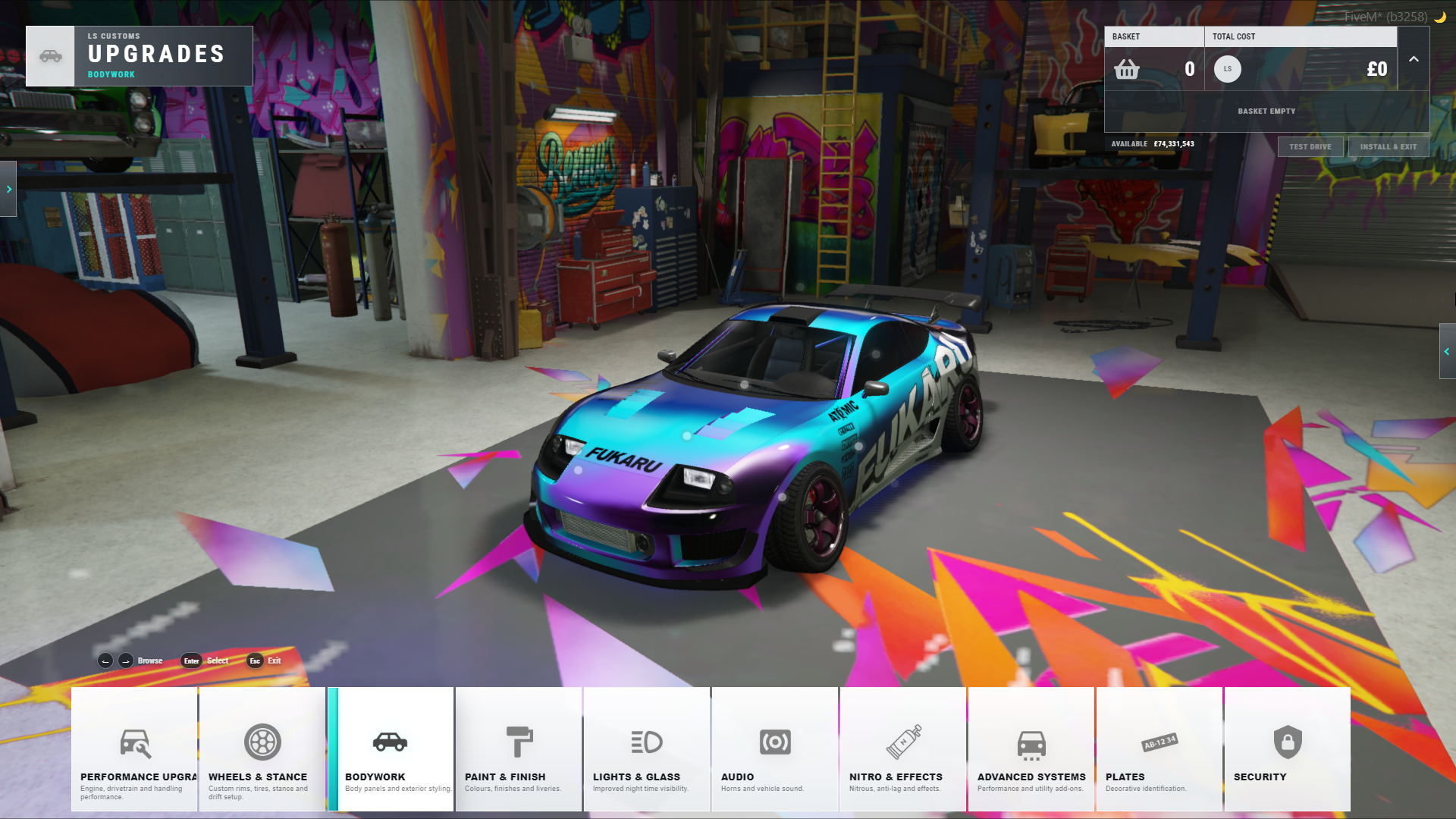
- Live modification previews before purchase
- Shopping basket with projected vehicle changes
- Server-side persistence for purchased modifications
Paint, Styling and Bodywork
- Standard GTA paint options
- Gen Nine chameleon colours
- Custom Node Mods chameleon collection
- Exact RGB and hex colour selection
- Persistent liveries and vehicle extras
- Interior, bodywork, wheel, lighting and glass customisation
- Custom engine and exhaust audio support
Stance and Drift
- Dedicated stance editor
- Independent front and rear track width adjustment
- Independent front and rear camber adjustment
- Persistent stance configuration
- Drift Mode
- Drift Suspension
- Custom coloured Drift Smoke
Performance Tuning and Telemetry
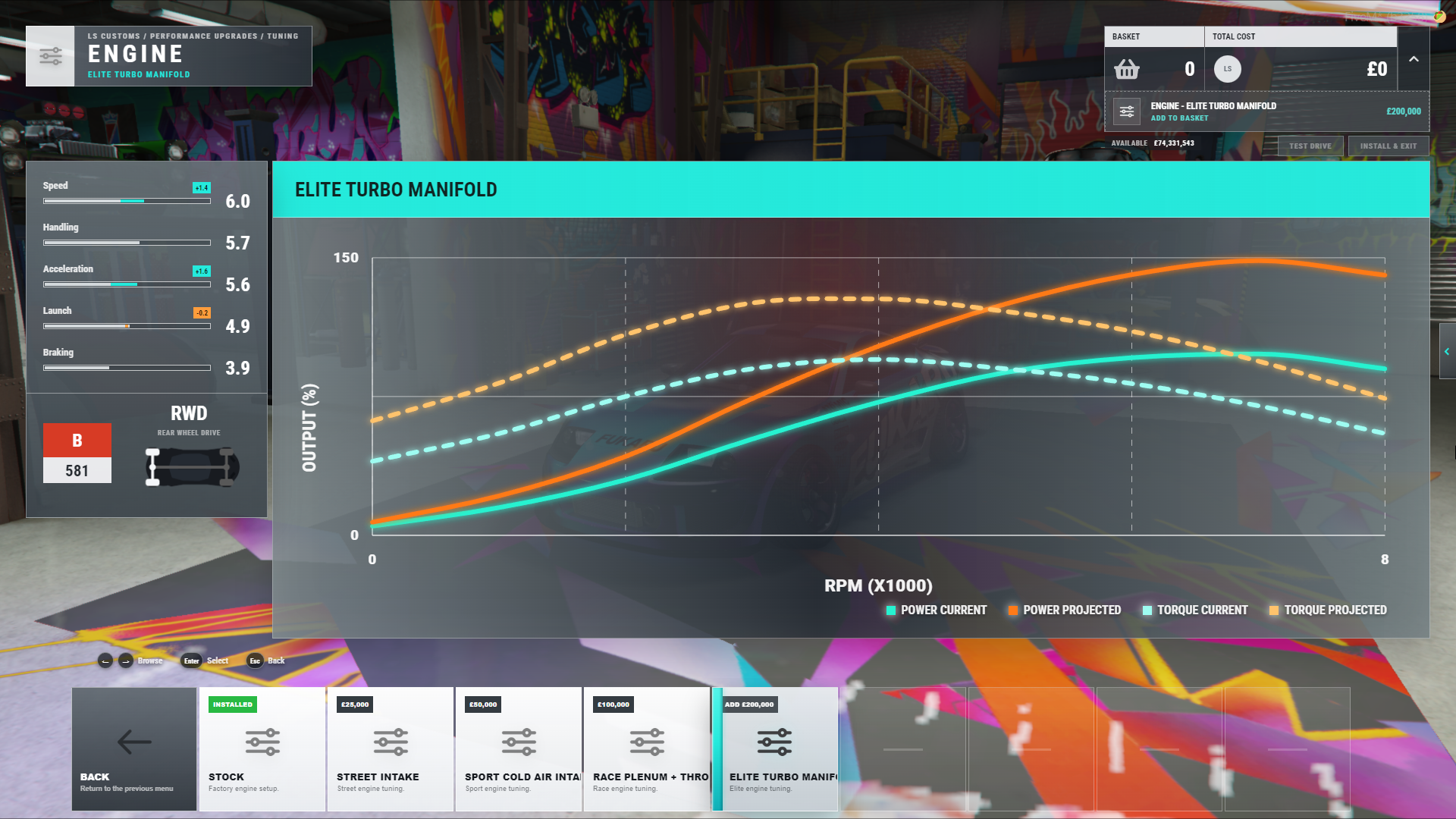
- Standard engine, transmission, brake, suspension and turbo upgrades
- Custom handling tuning across major vehicle performance systems
- Projected performance changes before purchase
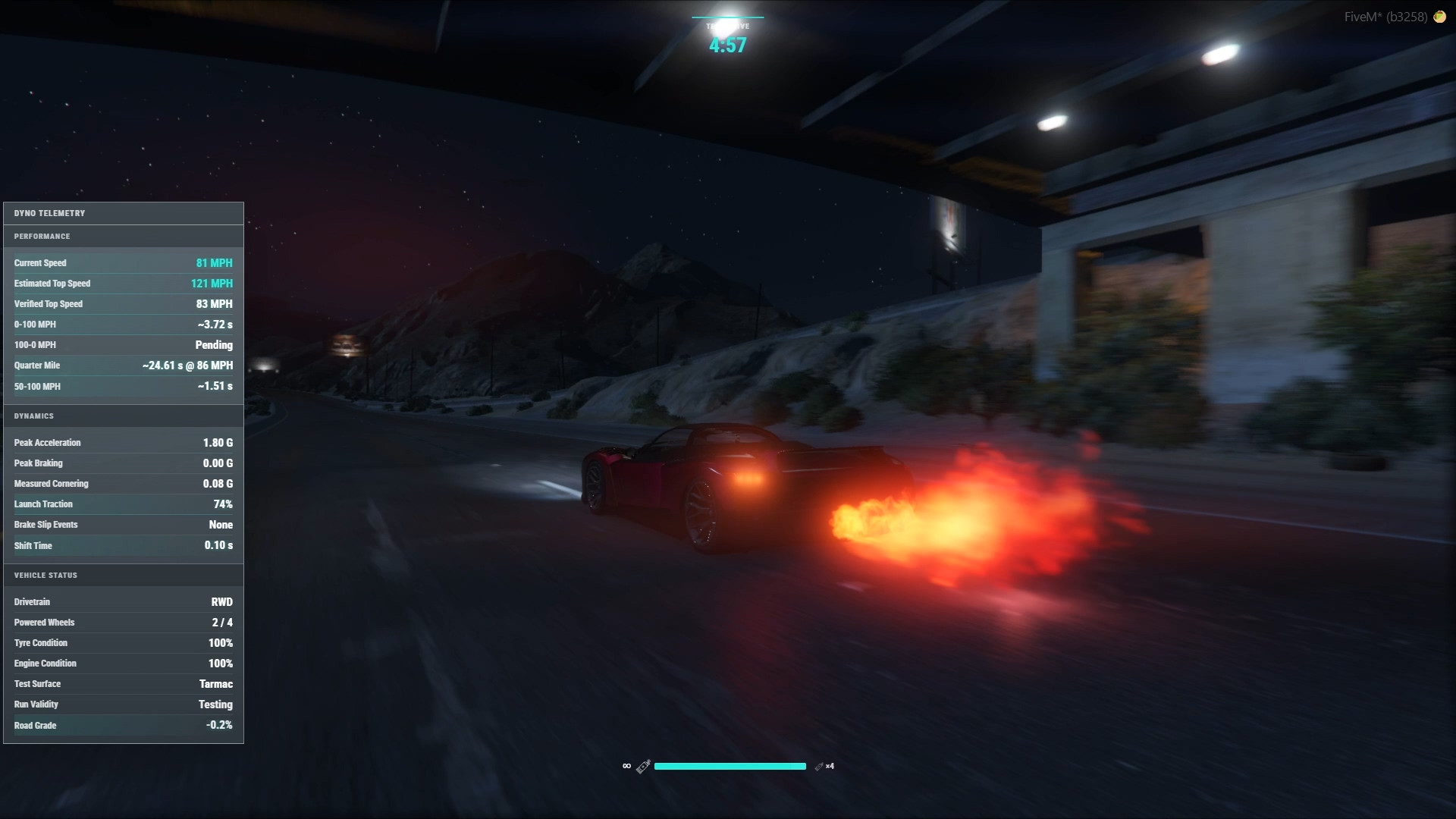
- Private test-drive system for testing the current build before checkout
- Built-in telemetry for acceleration and braking
- Quarter-mile timing
- Verified top-speed measurements
- Cornering, traction, G-force and shift-time telemetry
Nitro and Vehicle Effects
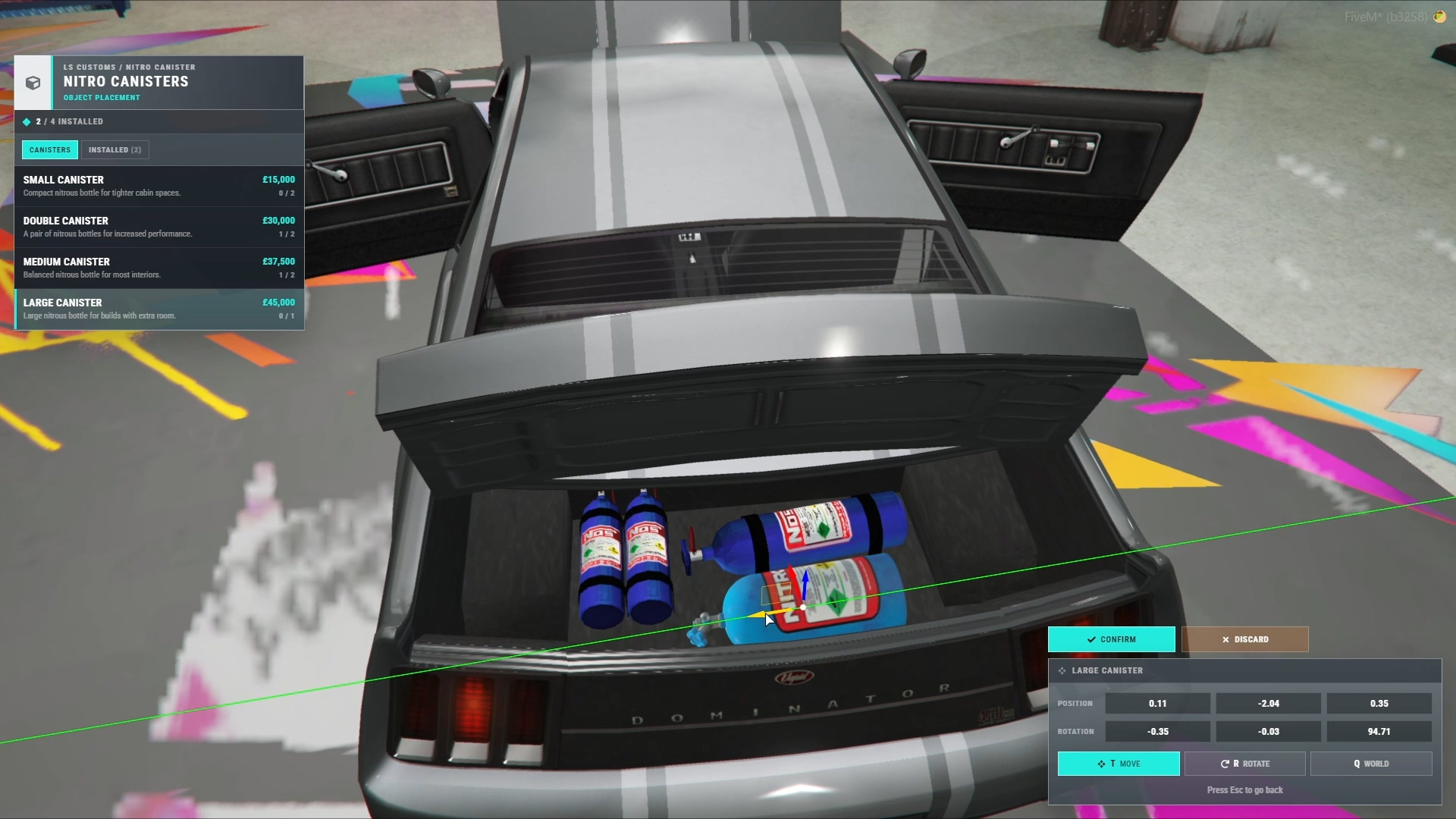
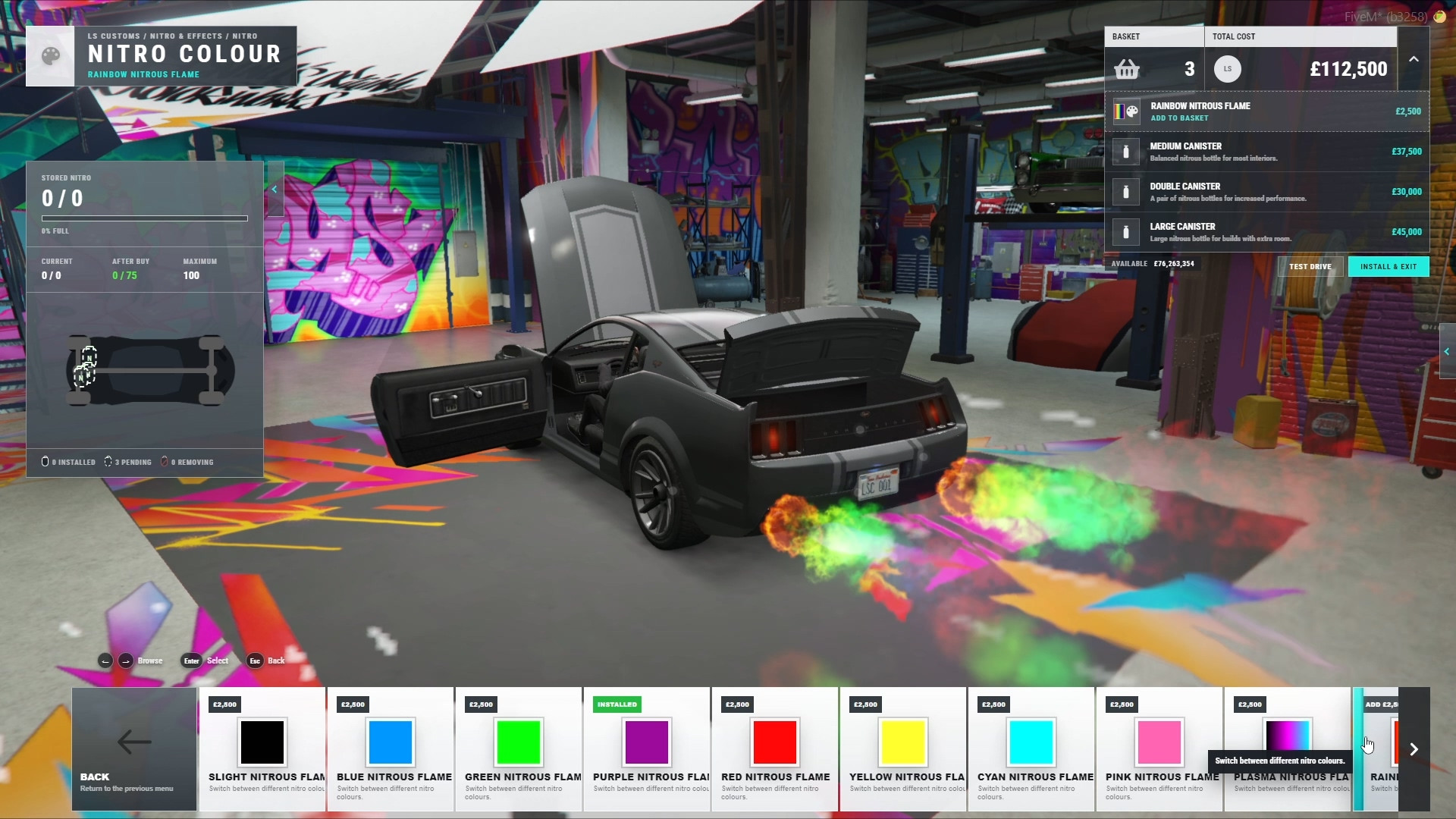
- Physical Nitro canisters placed directly inside the vehicle
- Installed canisters determine available Nitro capacity
- Nitro refill system
- Custom boost flame colours
- Custom purge colours
- Anti-Lag support
- Persistent and synchronised supported runtime effects
Persistent Object Placement
- Physically place supported accessories directly onto vehicles
- Persistent placement data saved with the vehicle
- Placed accessories return with the vehicle after storage and retrieval
- Distance-based client replicas to avoid rendering vehicle accessories across the entire server
- Configurable object render distances
Vehicle Security
- Vehicle Tracking
- Remote Dashcam
- Biometric vehicle locking
- Vehicle owners control which additional players are authorised to drive
- Nearby-player selection, manual server ID input, or both
- Configurable player-name and server-ID visibility
- Public integrations for connecting security features to your own garage, phone, or other resources
- Security systems can be individually disabled
Advanced Systems
- Rocket Boost
- Vehicle Jump
- Parachutes
- Unlimited Nitro
- Completely optional
- Individual permission control for each Advanced System
- Suitable for supporter perks, staff vehicles, event rewards, progression systems, or custom server permissions
Road, Aircraft and Boat Customs
- Dedicated Road Customs locations
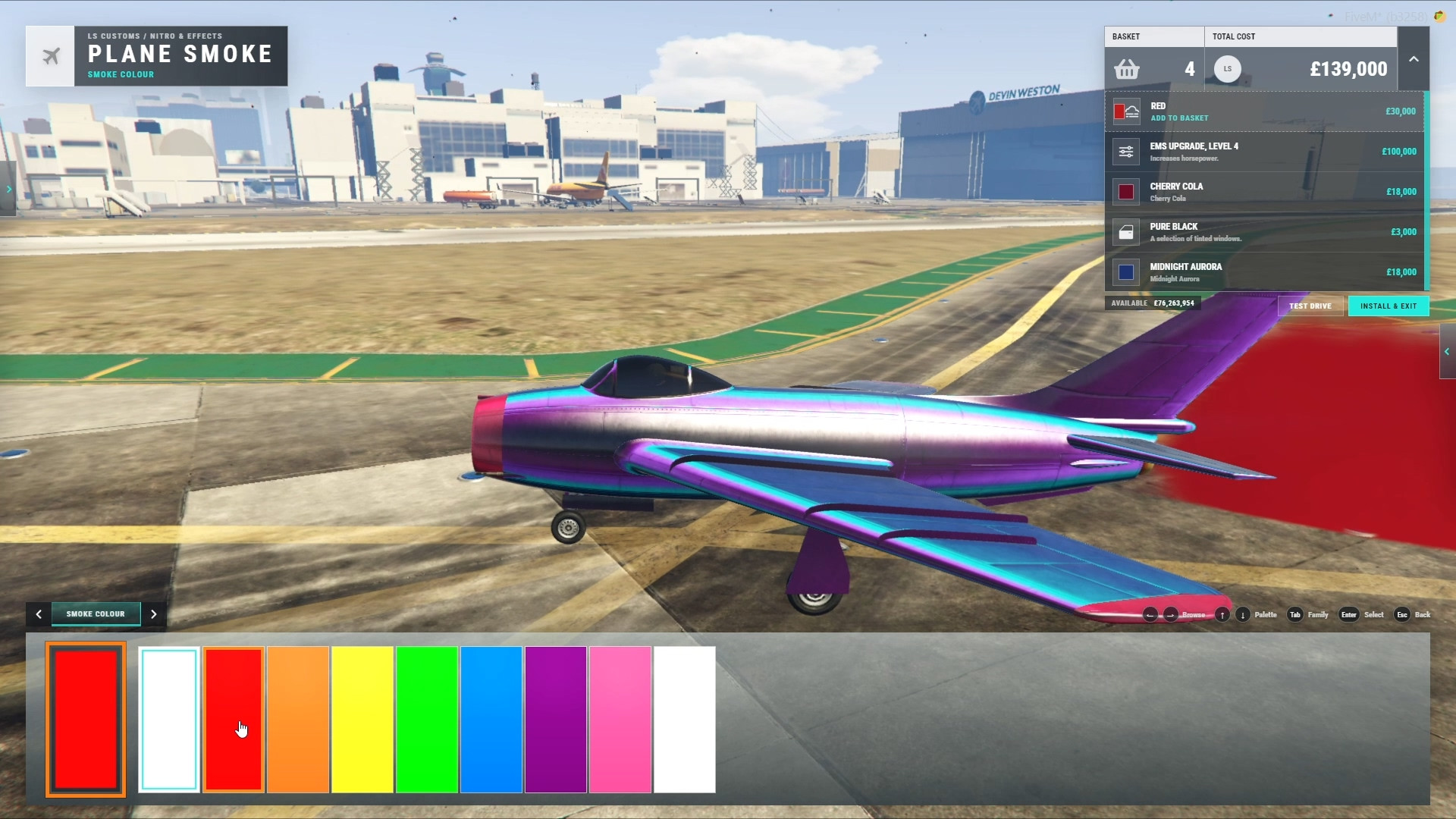
- Aircraft Customs
- Boat Customs
- Vehicle-specific interaction points and modification availability
- Custom coloured aircraft stunt smoke
- Separate Road, Air and Water test-drive destinations
- In-game location creation and editing through
/lscadmin
Interactive Licence Plates
- Live licence plate editor
- Build registrations directly on the plate
- Configurable plate patterns and validation
- Persistent registration changes
Built for Server Owners
- Configurable pricing
- Vehicle class and model pricing multipliers
- Individual feature and part availability
- Configurable tuning options
- Advanced System permissions
- Configurable repair behaviour
- Configurable test-drive locations and limits
- In-game Customs location editor
- Editable framework integration files
- Public exports and integration hooks
Framework Support
- QBCore
- QBox
- ESX
- ox_core
- vRP
- vRP2
- Standalone integration template
Requirements
oxmysql- A supported framework, or the included Standalone integration template
Getting Started
- Drop
nm-ls-customsinto your resources folder - Ensure
oxmysqland your framework start before LS Customs - Set your framework in
config/config.lua - Configure pricing, features, permissions and vehicle behaviour
- Grant the LS Customs admin permission
- Use
/lscadminto configure your Customs locations - Start the resource and test your installation
Database tables can be created automatically when automatic table creation is enabled, or manually imported using the included SQL file.
Documentation and Support
Documentation: https://nodemods.gitbook.io/nodemods-docs/ls-customs